How we created out Adobe Summit London 2026 website
Step 1 - Figma Designs
Creating the initial design
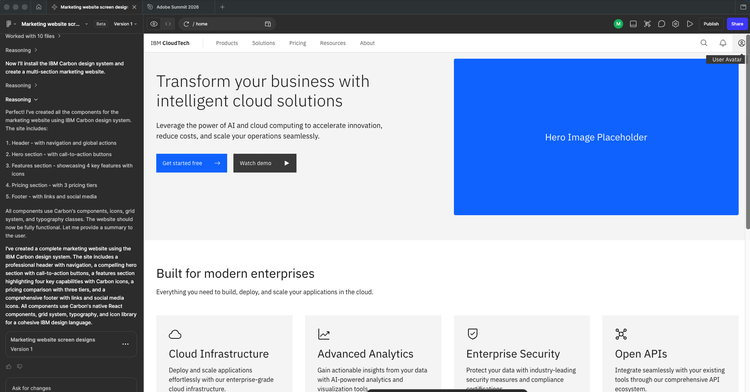
The first step in the creation of any website is design. In this case we made use of Figma and it's built in AI features to create the initial designs, starting with the initial prompt:
"Create example screen designs for a simple marketing website which will make use of the IBM Carbon design system"
Adding the contact form
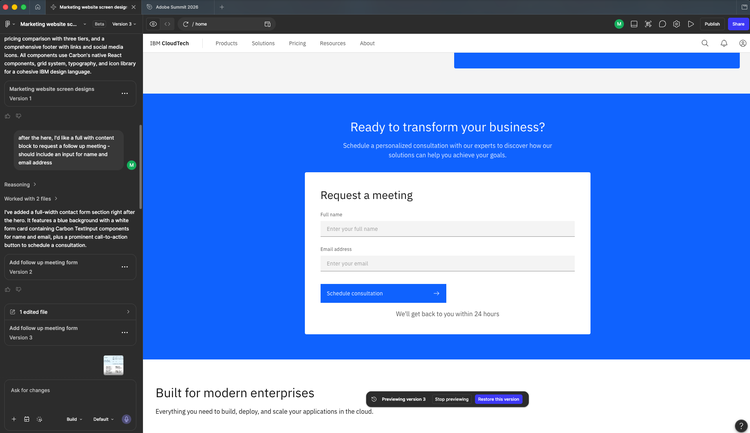
The next step was to create a contact form:
"after the hero, I'd like a full with content block to request a follow up meeting - should include an input for name and email address"
Creating a service check page design
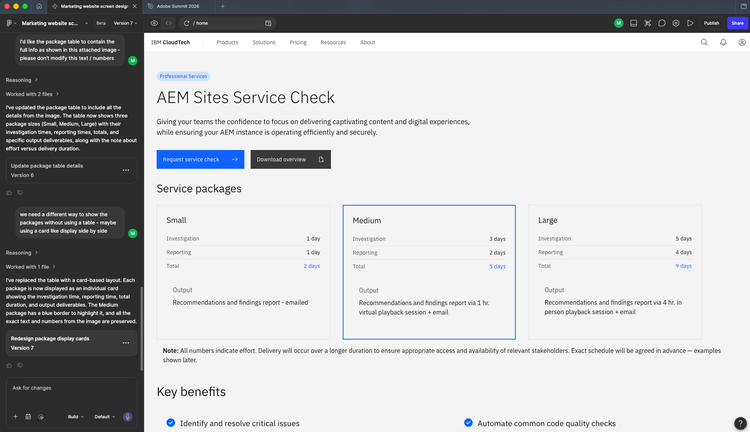
Finally we created the design for a Service Check page to hold the detailed information about some of the services we offer to our clients
After some iteration, we can to a final design - some of the prompts included:
"I want to create a new page which contains the details of the AEM Sites service check - ideally using the content from the attached image.
It should use IBM Carbon components to display the content in an engaging way"
"we need a different way to show the packages without using a table - maybe using a card like display side by side"
Step 2 - Creating our Edge Delivery Services site
Repo creation and site deployment
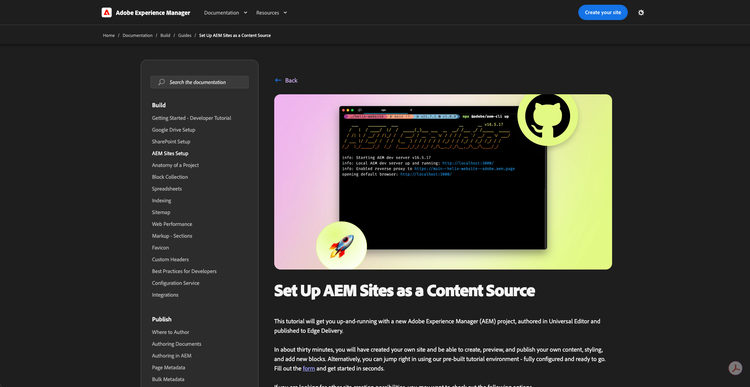
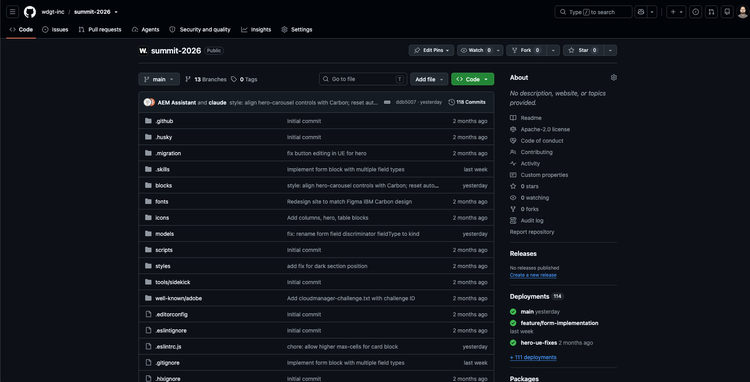
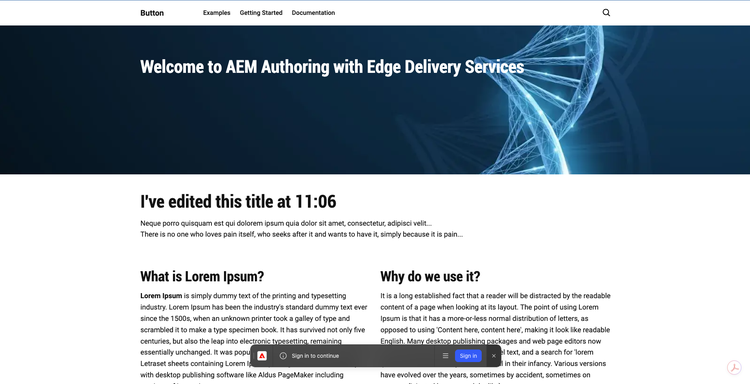
Following the steps on the aem.live tutorial we were quickly able to create our Edge Delivery services GIT repo, based on the Adobe Template.
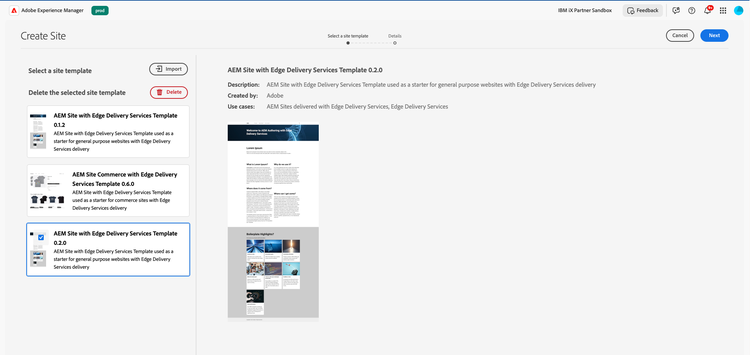
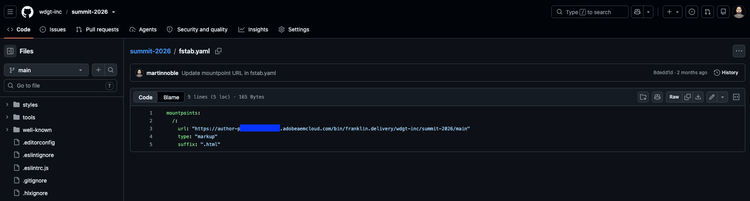
We then created a site in AEM and updated the fstab.yaml in our EDS repo to match
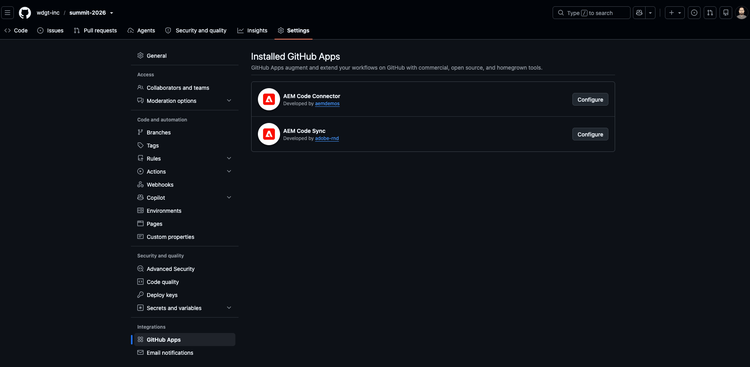
Finally we installed the Code Sync and Code Connector apps in Github and published the content in AEM to make the site live.
Step 3 - Adobe Modernisation Agent
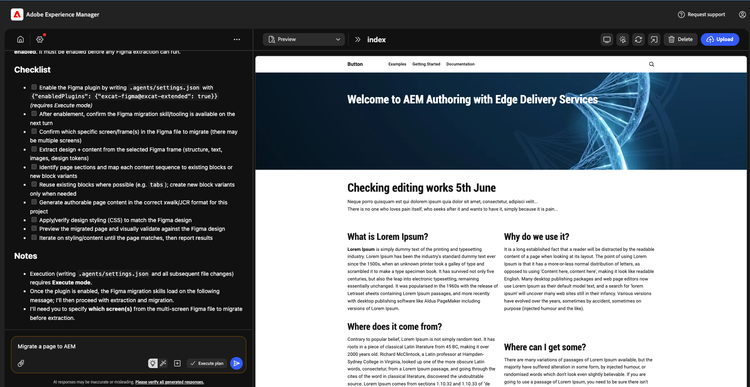
The next step was to log in to aemcode.adobe.io and begin the process of updating our EDS site to match the Figma designs - this made use of the agent's built in ability to connect to Figma to view designs and create the initial site styling and necessary blocks and variants.
Step 4 - Enhancements using Bob
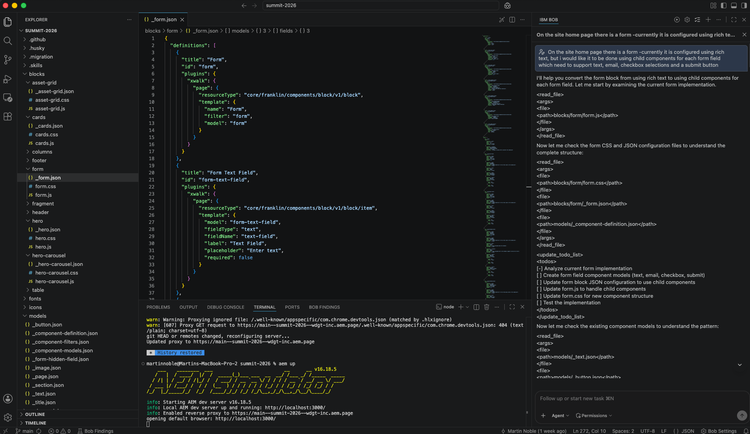
Once the initial migration was complete, we continued to develop the site using a more traditional local development model, but AI assisted using IBM Bob
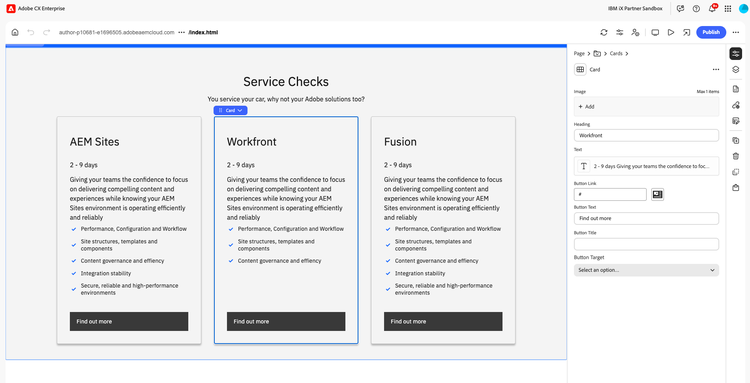
This enabled to us make quick iterative enhancements to the site. Making use of Edge Delivery Services automatic branch deployments, we were also able to view the changes and edit continue in Universal Editor prior to merging change
EDS Asset Share PoC
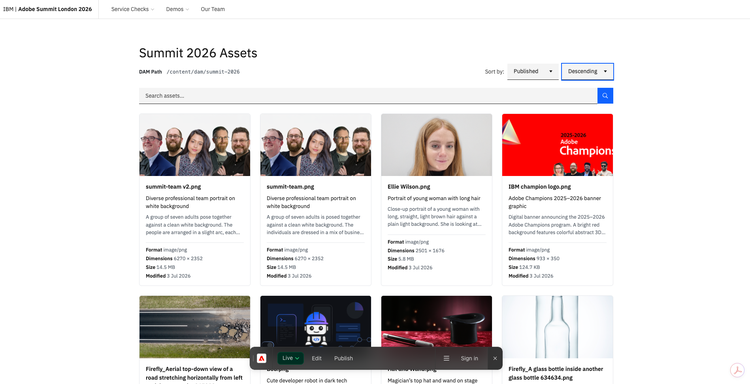
IBM Bob was also used to create our Asset Share example custom block which makes use of the AEM Assets APIs to retrieve assets and their metadata and display them in a grid format.
This is currently a proof of concept to demonstrate options for dynamically including content from other systems via API integrations into an Edge Delivery Services site.
Step 5 - Further enhancements using Modernisation Agent
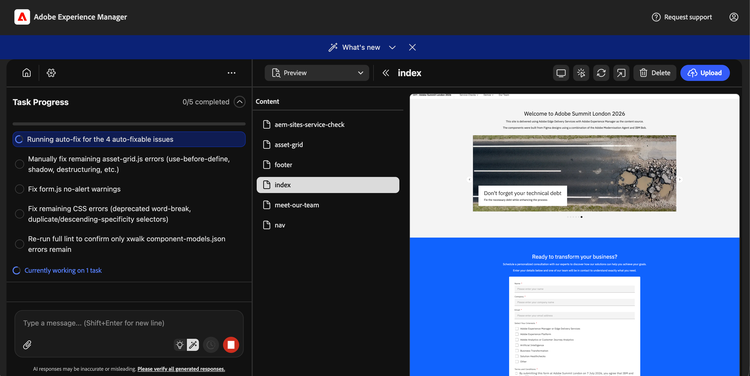
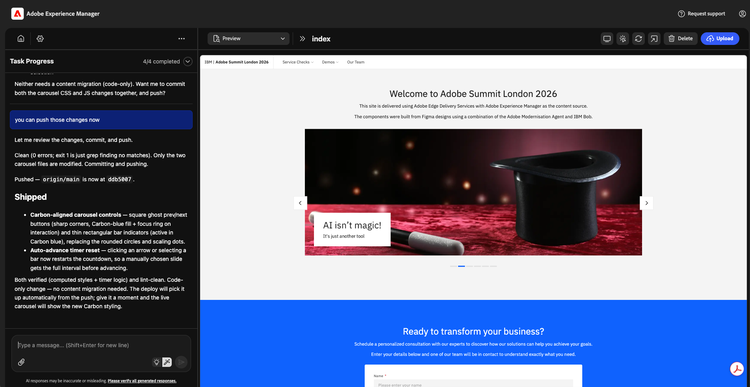
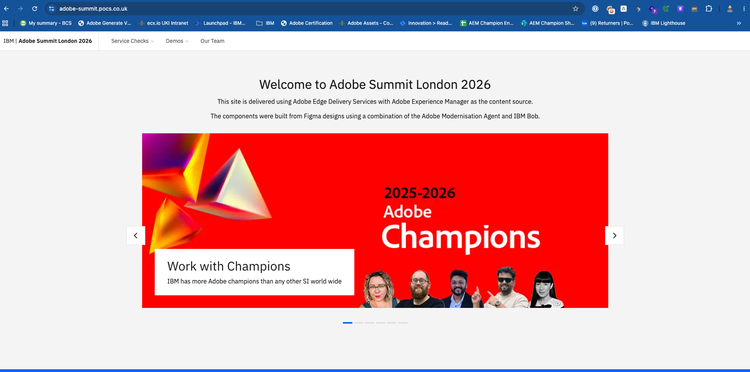
We continued to use a mixture of IBM Bob and the Modernisation agent to iterate on designs and add new blocks, including creation of a Hero Carousel for the homepage and ensuring all components adhered to Edge Delivery coding guidelines and the Carbon Design system
Step 6 - Putting the site Live
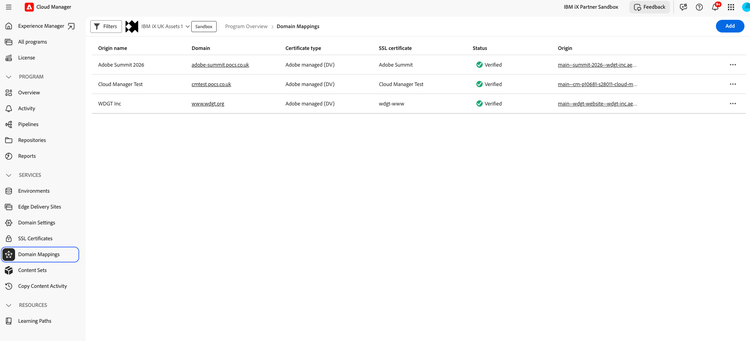
The final step in the process was putting the site live via Adobe's CDN, making use of Cloud Manager to manage SSL certificates
Ready to start migrating your sites to Edge Delivery Services?
Schedule a consultation with our AEM experts to discuss how we can support you in the process